AI listing media,
inside WordPress.
Stage, declutter, restyle, repaint and turn day to dusk on any image in your Media Library. Save the result as a new attachment or replace the original, without leaving the dashboard.
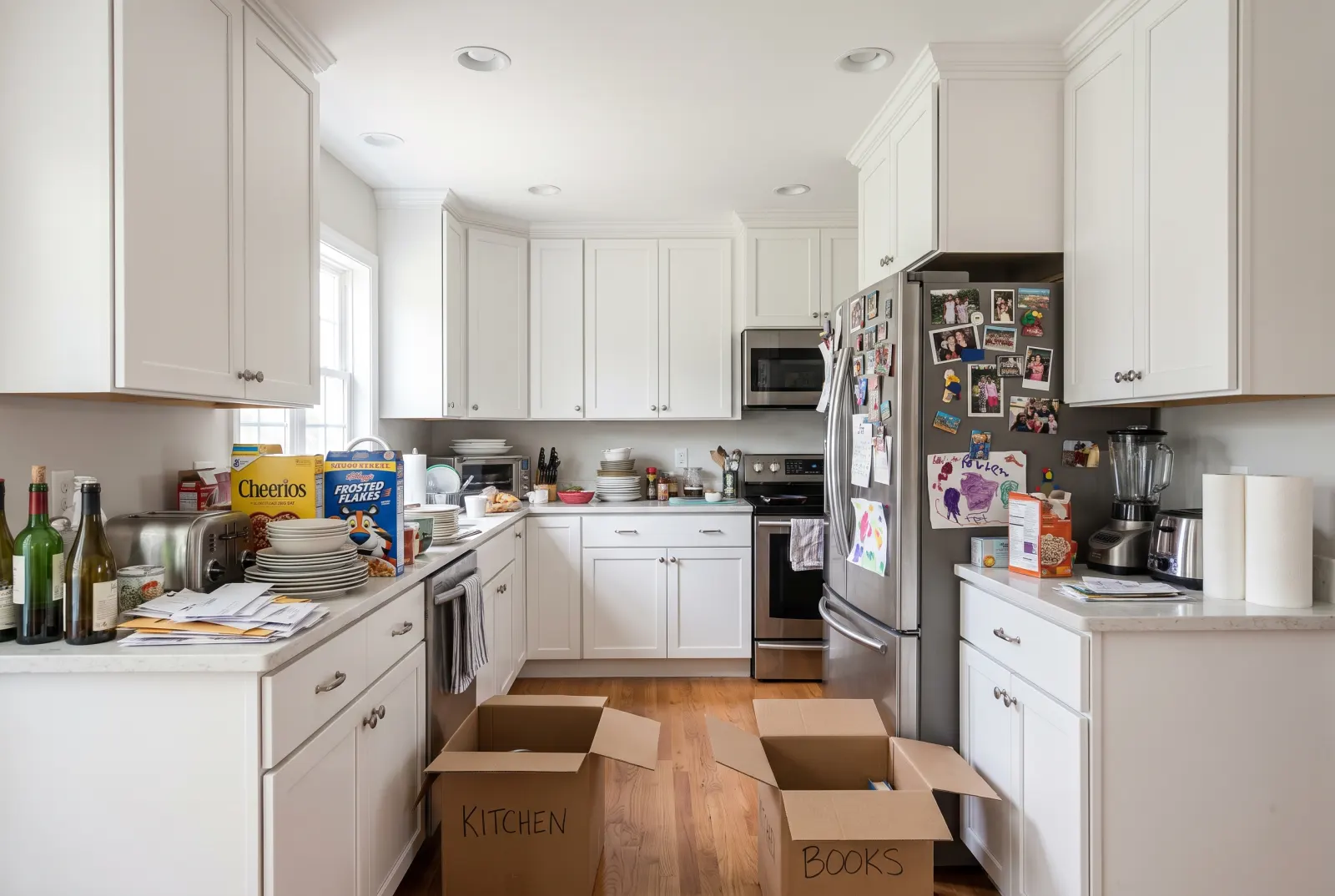
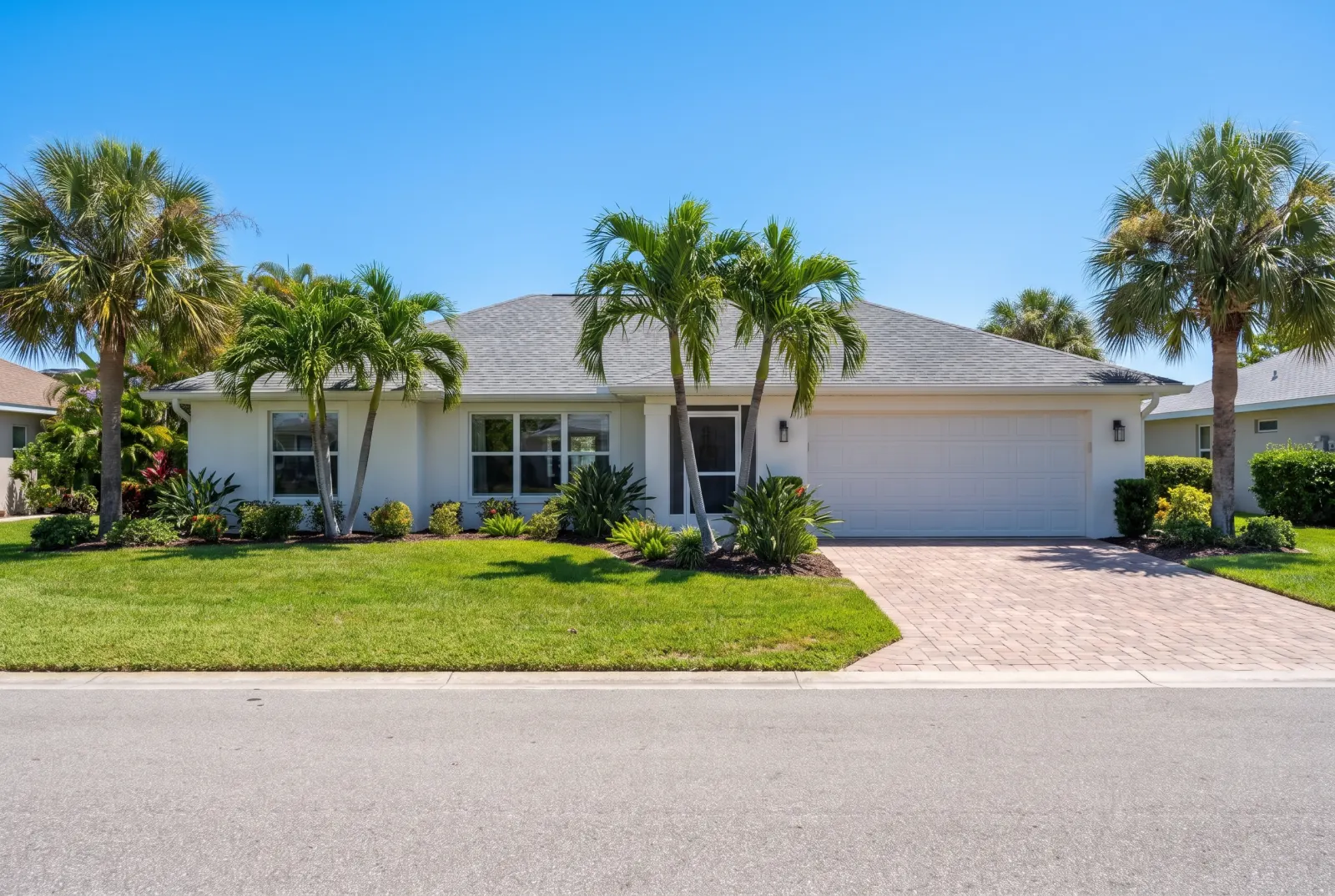
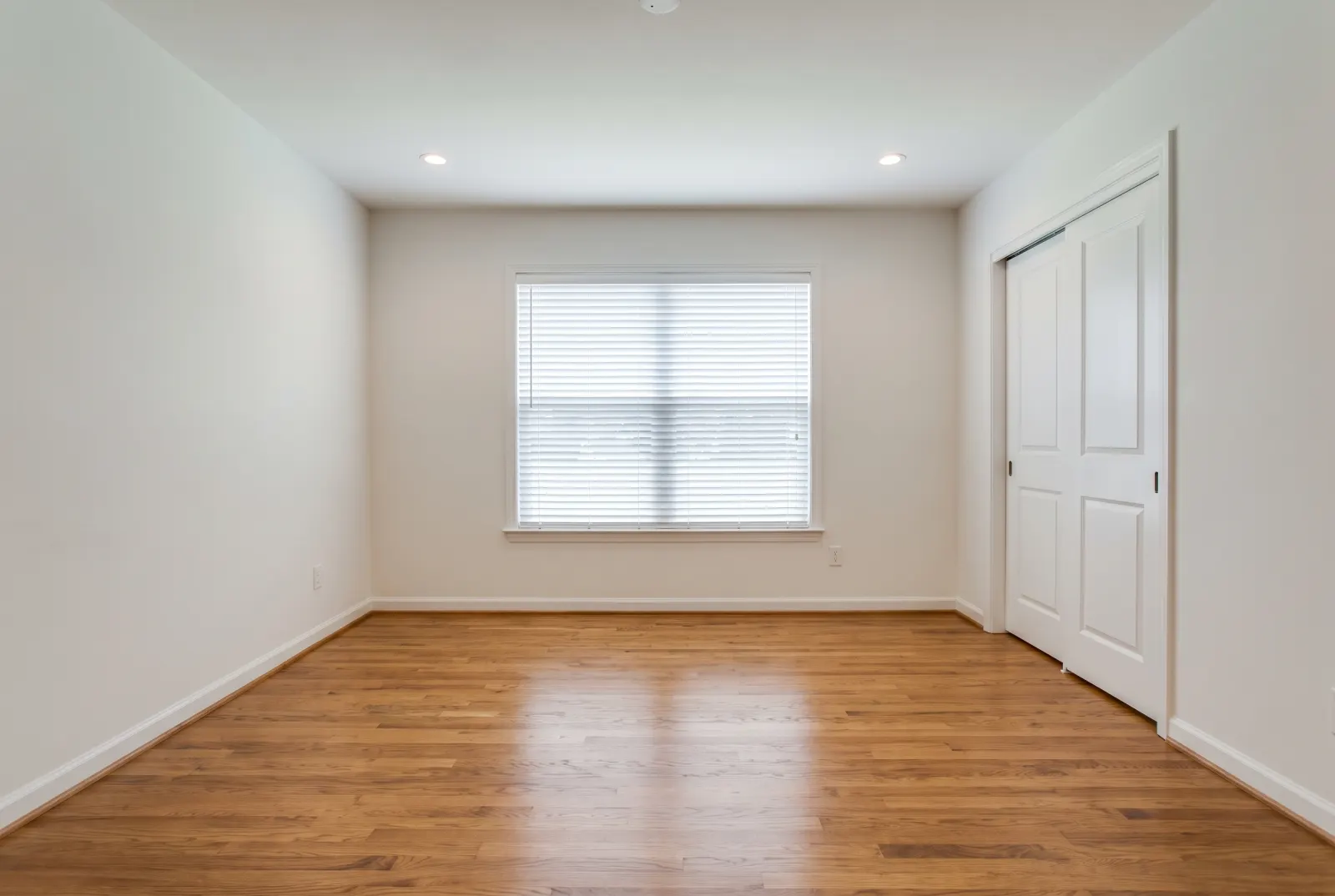
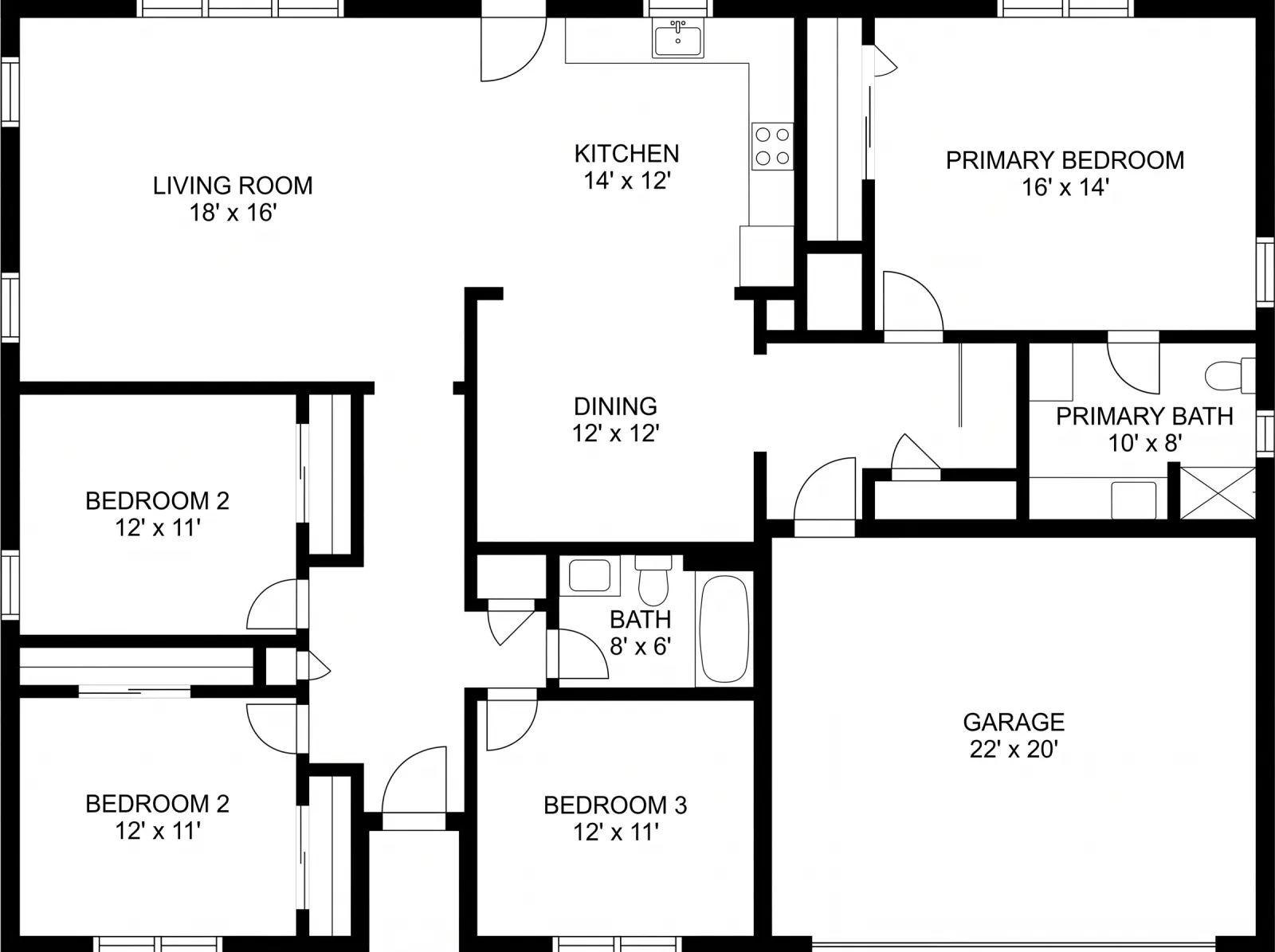
Every edit a listing photo needs.
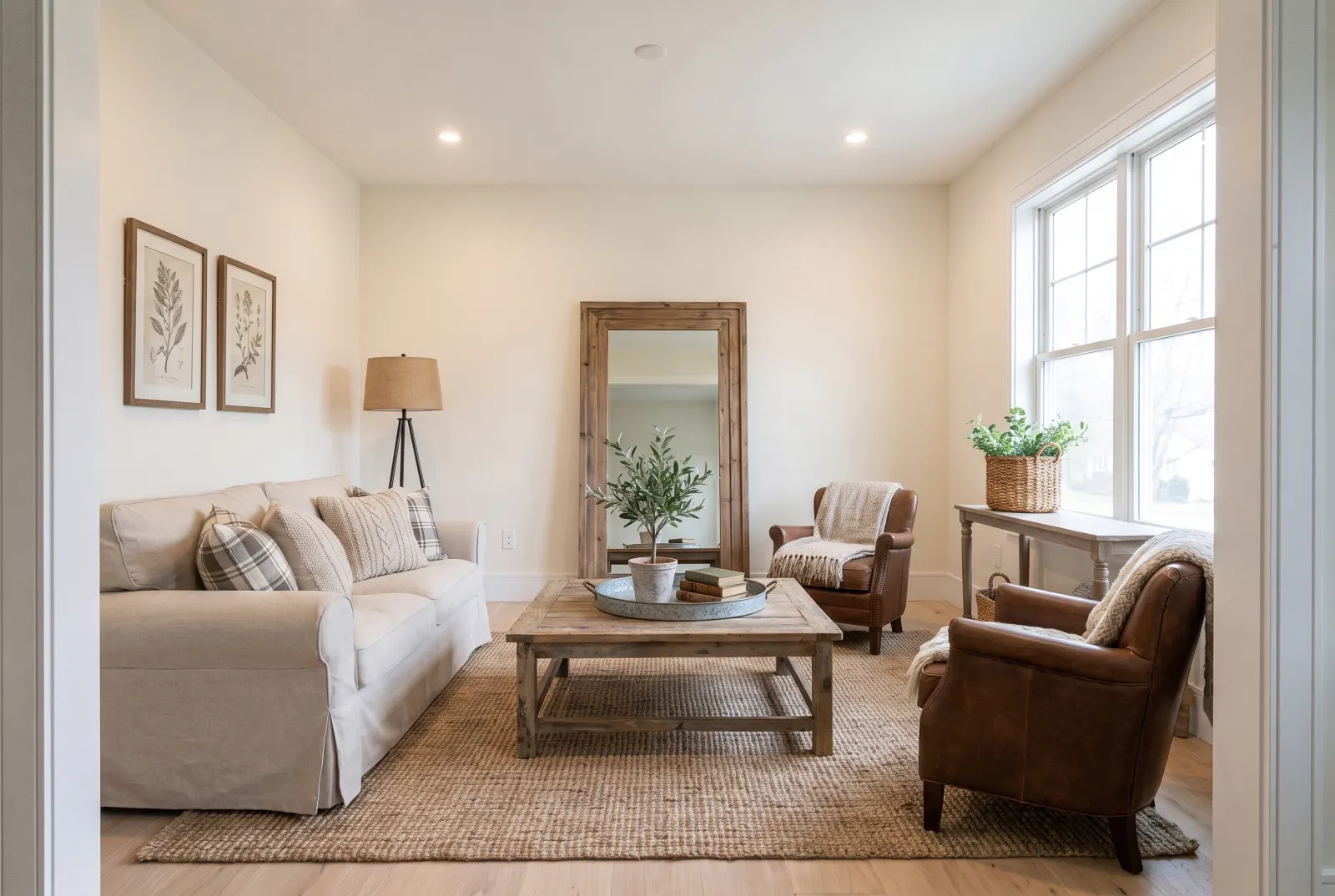
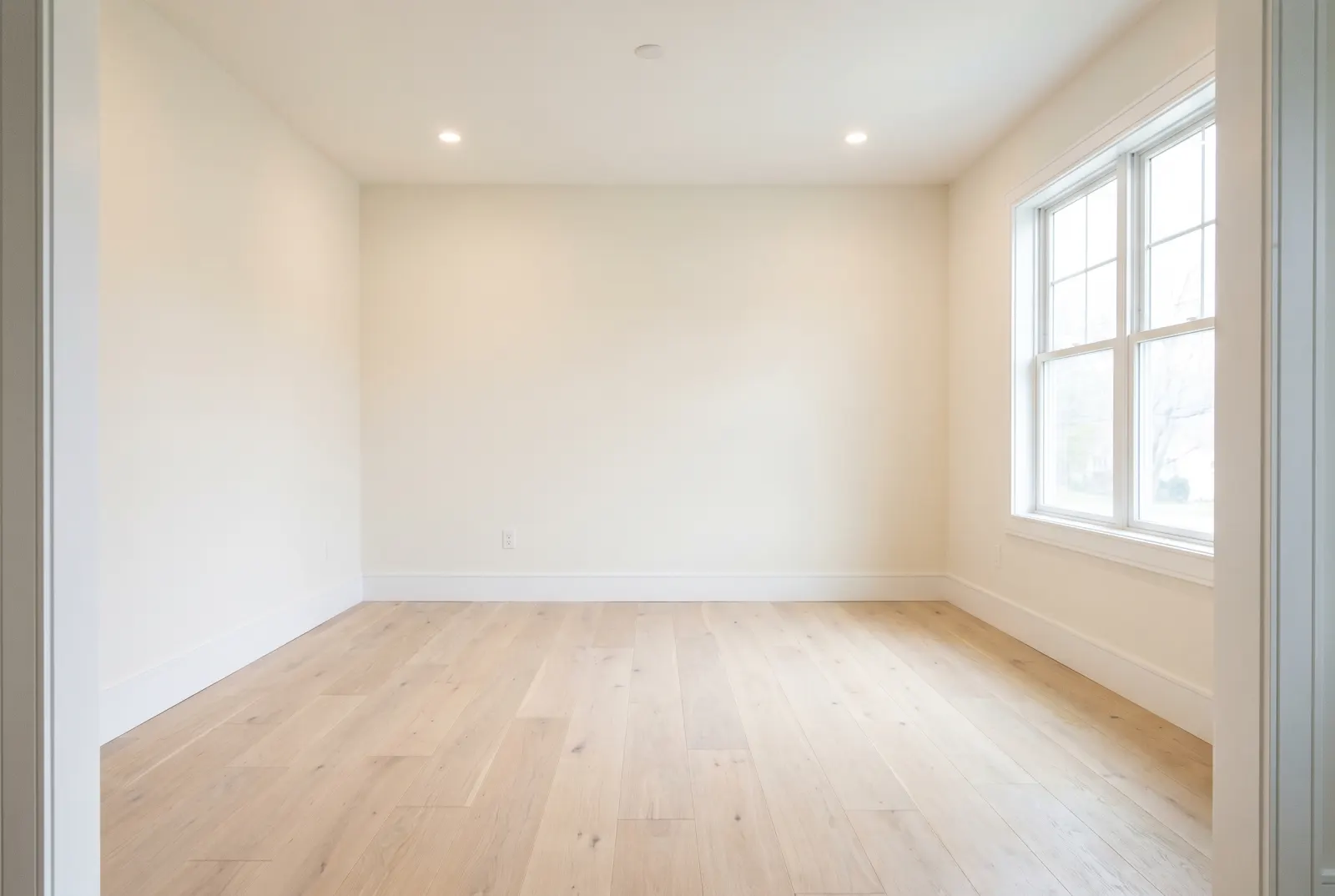
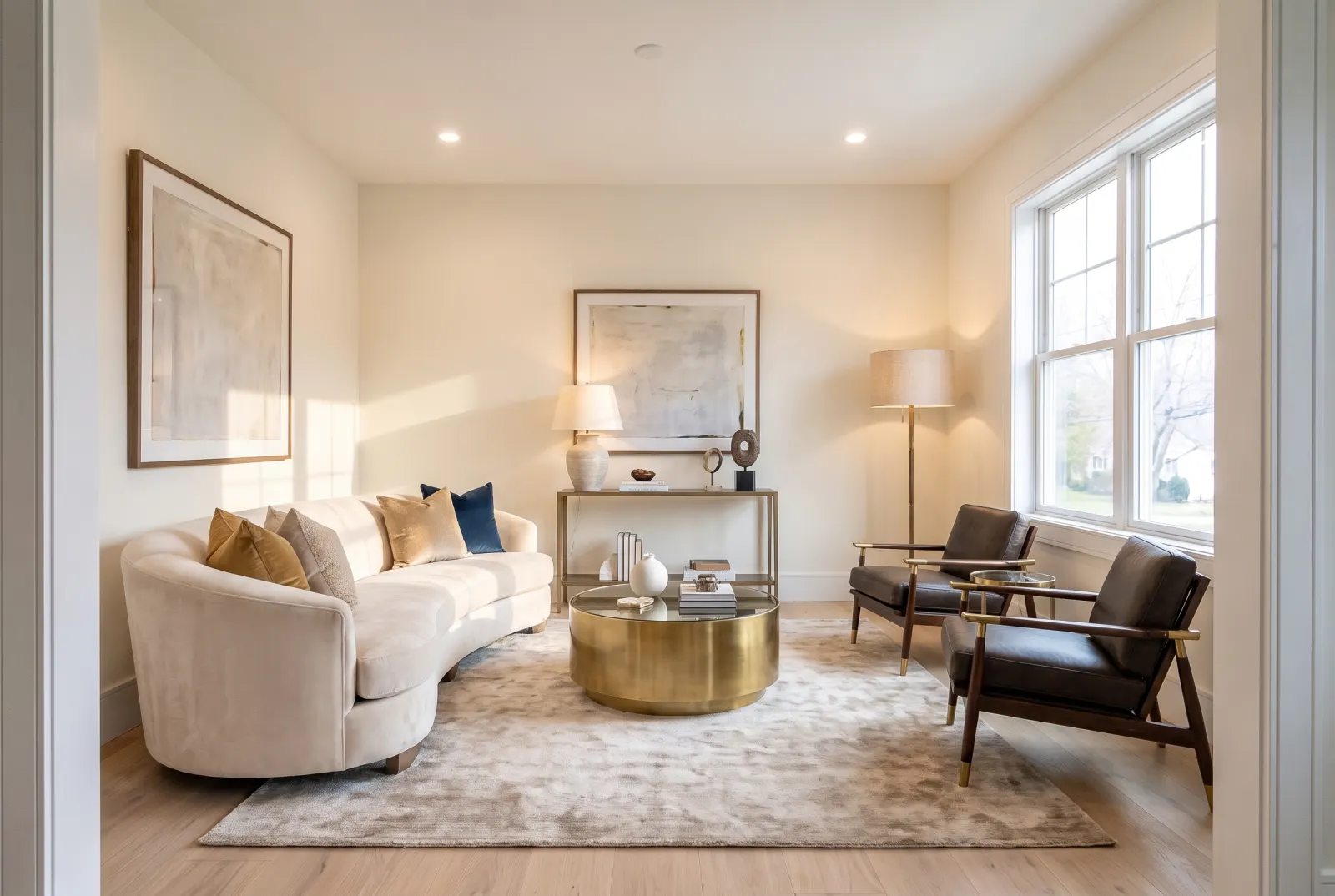
Each tool maps to an mlsapi.dev Studio endpoint. Pick one and drag the slider to compare real Studio output.
Room Staging
Furnish vacant room photos in 29 design styles, for every room type from living rooms to patios.
- 29 design styles
- modern · luxury · scandinavian · farmhouse
- living room · bedroom · patio
Pick an image. Generate. Keep it where it belongs.
Jobs run asynchronously with live progress, so the dashboard never blocks. WordPress downloads the finished file, checks it's a real image, and files it with full metadata.
- 01
Choose an image
Select anything in the Media Library, upload a new file, drag one in, or paste an image straight from your clipboard.
- 02
Run a tool
Pick one of 11 tools, set its options and generate. A live progress bar tracks the job while you keep working.
- 03
Save it your way
Export as WebP, PNG or JPG, then add it to the library, swap the original in place, or download it.
Save as new attachment
Added to the Media Library with thumbnails and metadata. The original stays untouched.
Replace in place
Overwrites the existing attachment, so every post that uses it updates. Image sizes are regenerated.
Download locally
Grab the high-resolution file for MLS uploads, print or anywhere outside WordPress.
One click away, wherever you edit.
The studio opens as a lightweight modal on top of the screen you’re on. No new tabs, no lost context.
Media Library button
An “MLS Studio AI” button in the Media Library header, next to Add New.
Row action
“Edit in MLS Studio” on every image in the Media Library list view.
Edit attachment screen
“Edit with MLS Studio” on the single-image edit screen, with that image already loaded.
Admin bar quick link
Open the studio from the top bar while you’re viewing an image attachment.
Paste or drop
With the studio open, paste a screenshot or copied photo, or drag a file in, to start editing.
MLS Studio menu
A Studio Editor page in its own admin menu, next to Settings & Billing.
Your credits, right in WP Admin.
The Settings & Billing page shows your workspace, plan and a live credit meter, plus a 30-day breakdown of what you’ve been generating.
- credit meter
- top-up balance
- 30-day usage
- manage subscription
Paste your key. Test it. Done.
Your API key is stored server-side and never reaches the browser: every request goes through WordPress with nonce and capability checks. Test the connection in one click, switch between live and sandbox, or point at a custom base URL for staging.
- server-side key
- connection test
- live / test
- custom base URL
Better listing photos, without leaving WordPress.
Install the plugin, add your mlsapi.dev key, and open any image in the studio.
Requires WordPress 6.0+ and PHP 7.4+. Generations use mlsapi.dev Studio credits.